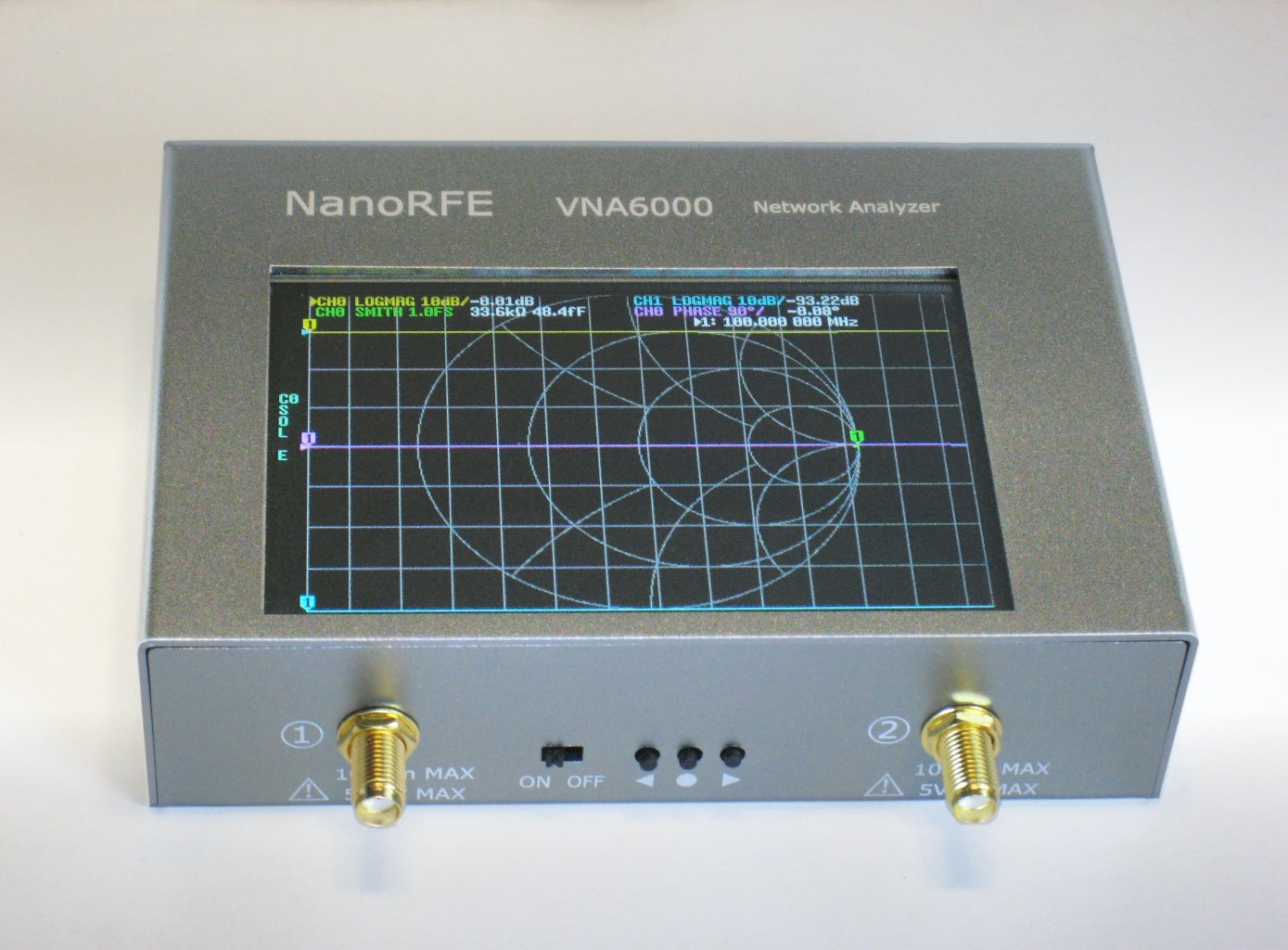
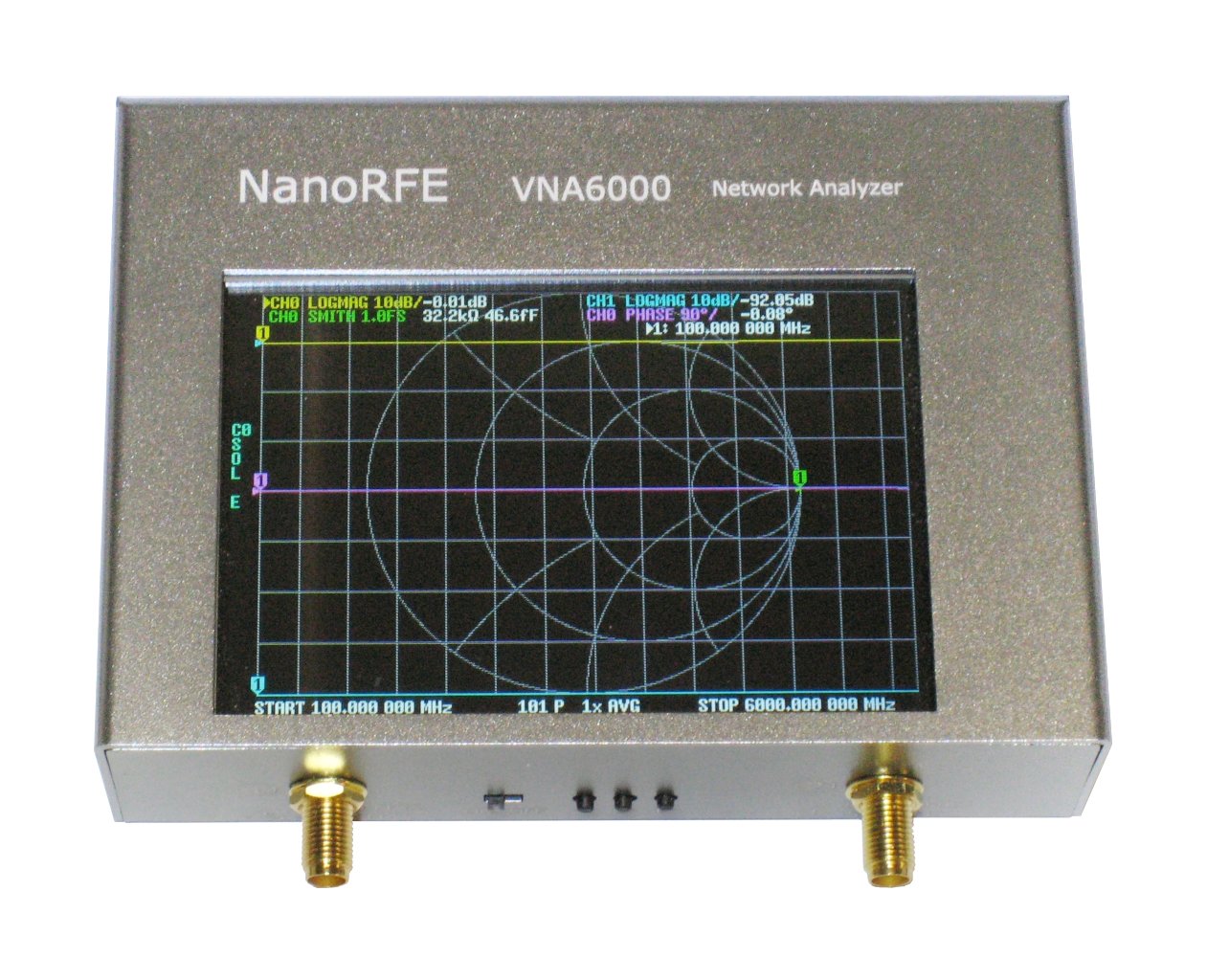
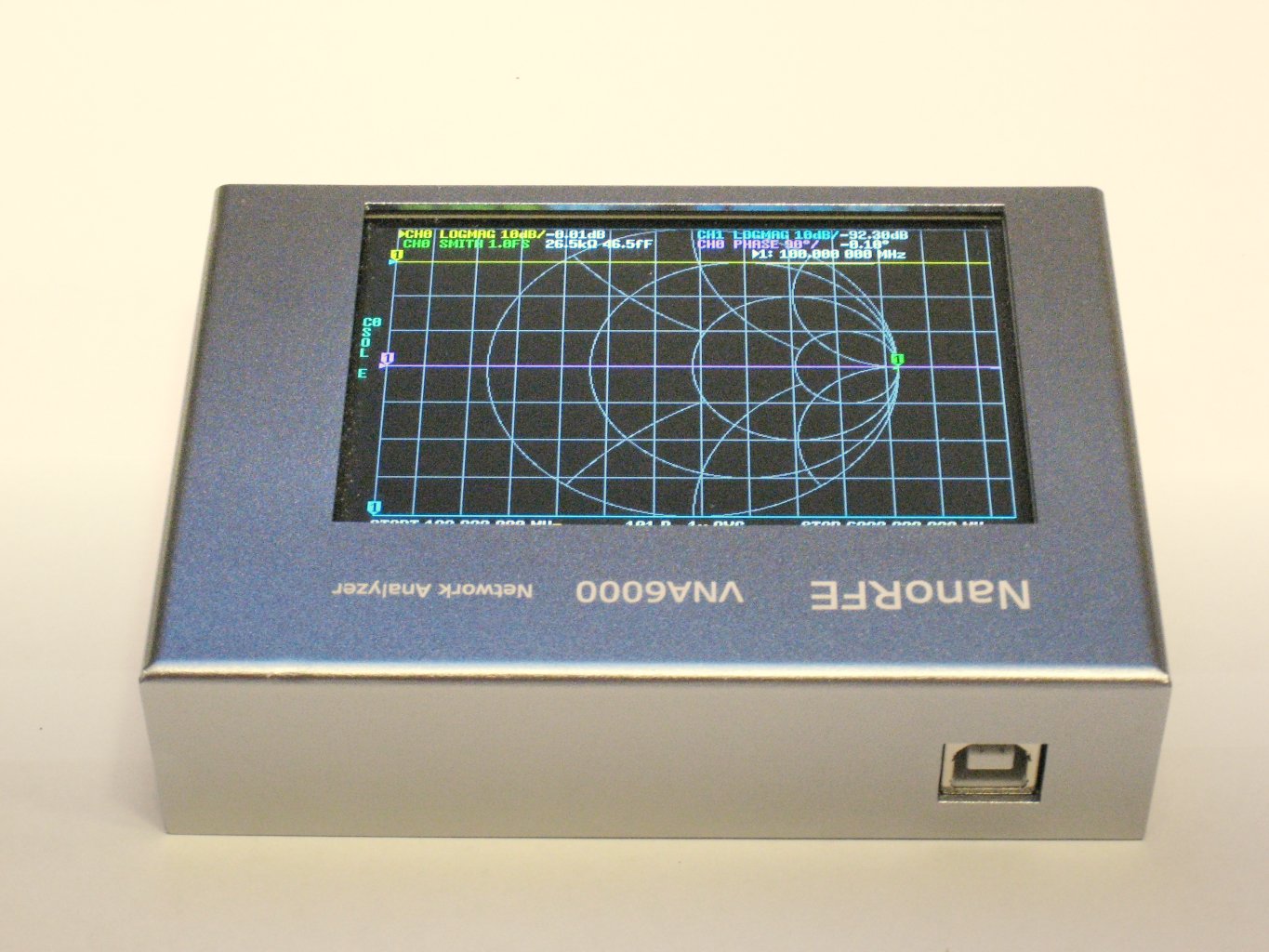
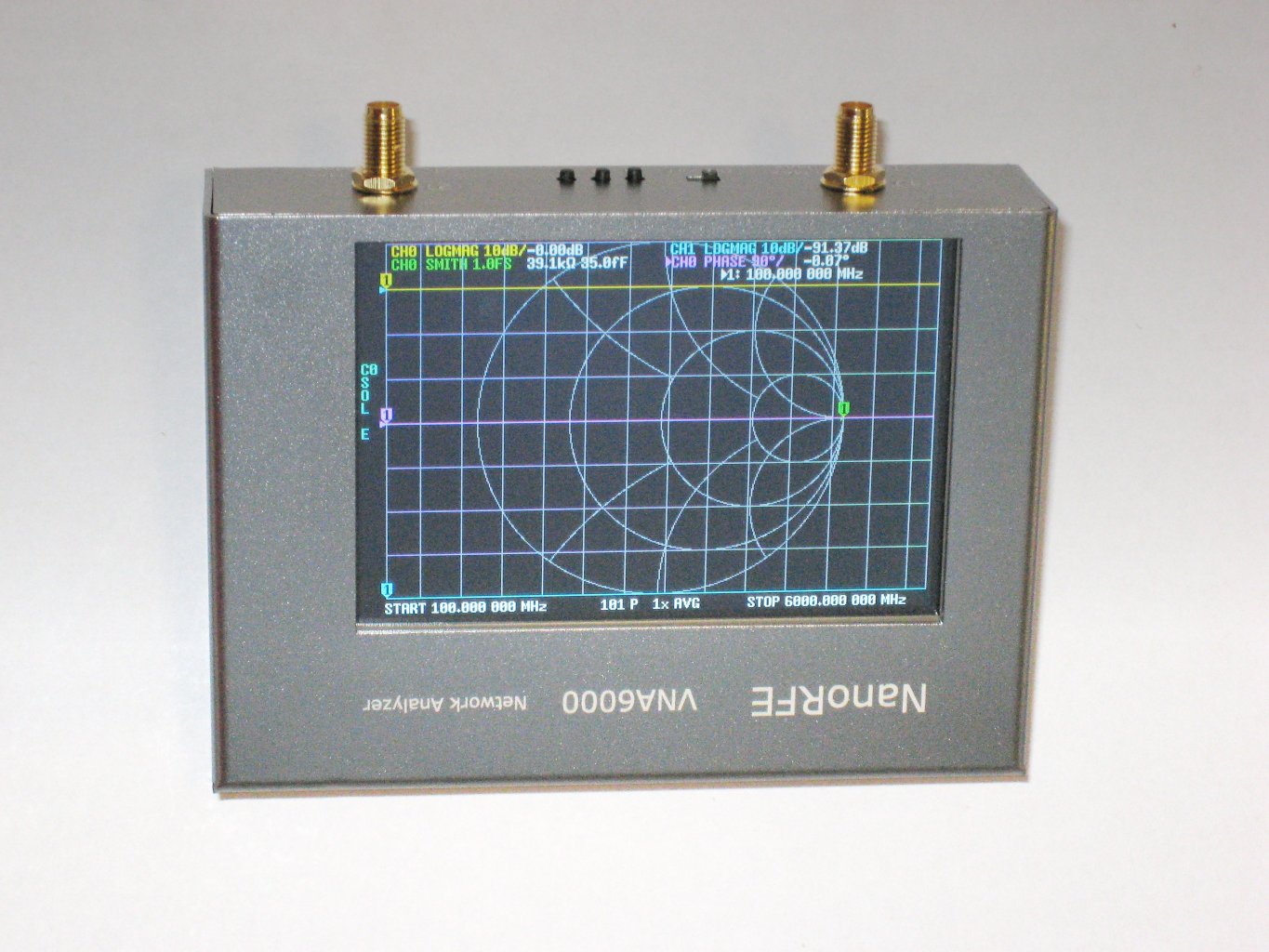
NanoRFE VNA6000
6GHz third generation vector network analyzer, our own design.
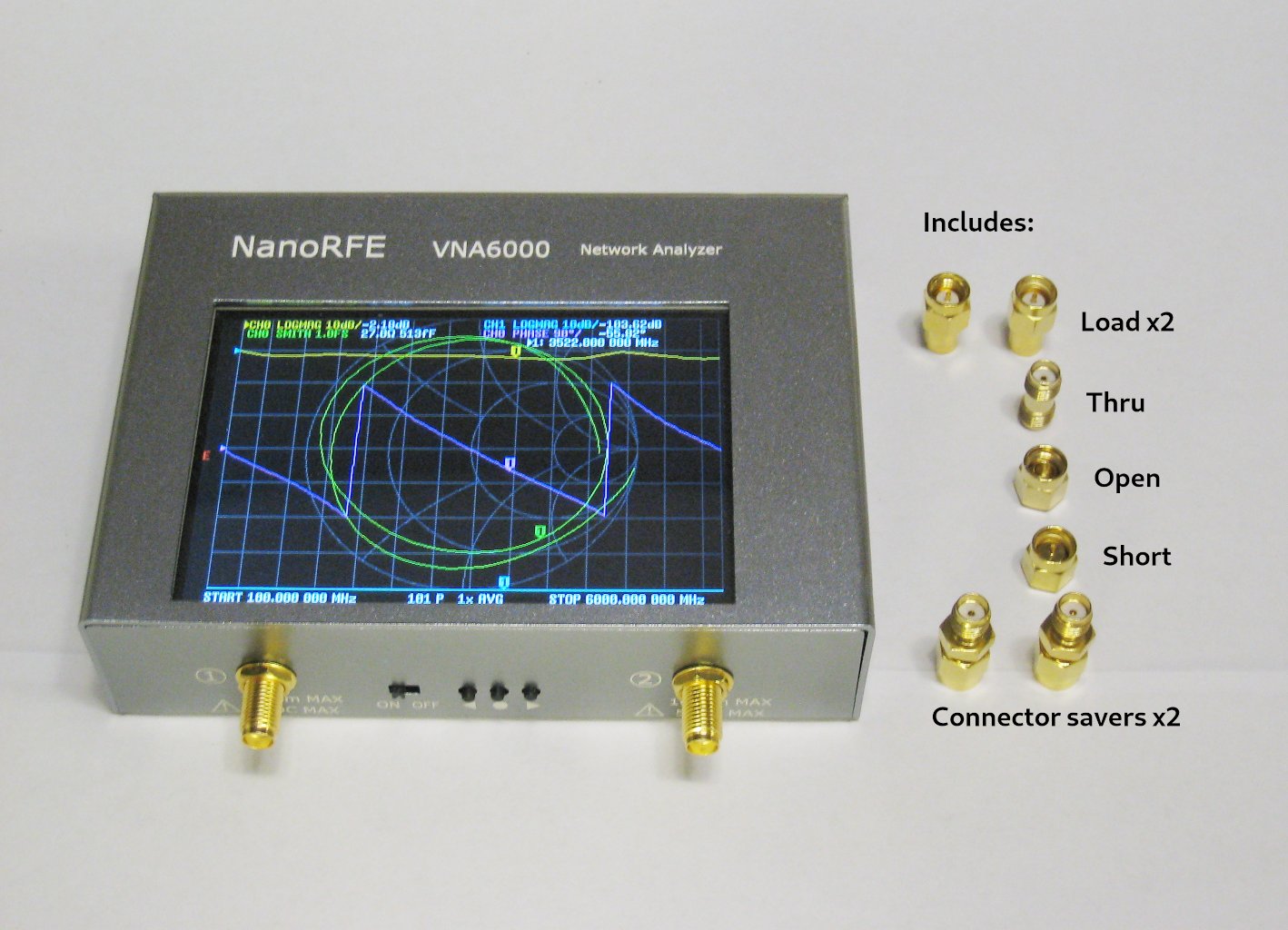
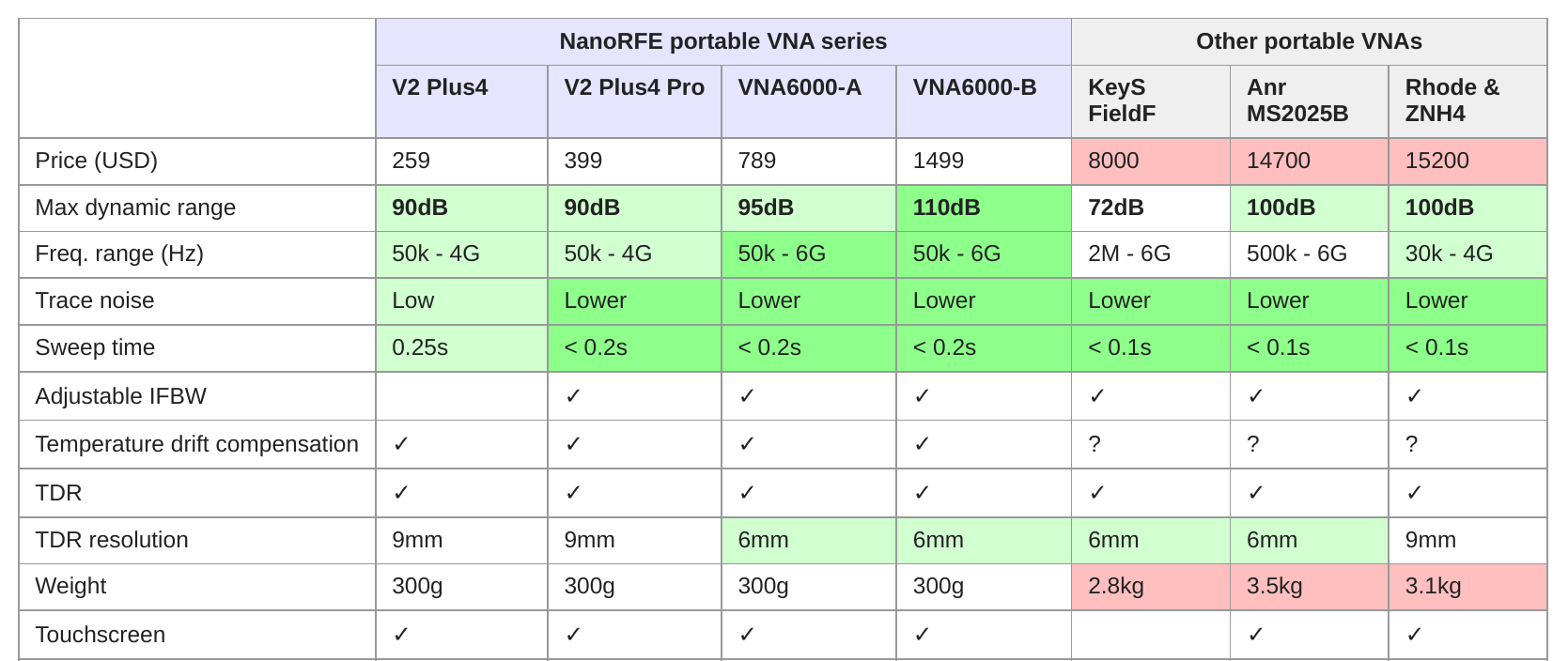
VNA6000 reaches the performance of high end portable VNAs up to 6GHz at a significantly lower weight (300g compared to >2.5kg of all available name brand portable VNAs), and is ideal for engineers on the go or working from home. VNA6000 can be used to characterize antennas, filters, duplexers, amplifiers, and more.
VNA6000 enables remote workers to complete most lab tasks without the logistics trouble of renting or sharing equipment, minimizing lost productivity.
You are probably aware of the components shortage situation everyone is in right now, with many small businesses struggling to survive, as well as the flood of low quality clones becoming a major issue. We'd like to thank you for choosing to support us and supporting innovation by buying the original version!
Note: beware of clones of our older designs that are overclocked to advertise higher frequency operation, which compromises measurement accuracy.
Features:
- 4 inch display
- 50kHz - 6GHz frequency range
- Latest original hardware - each VNA produced is verified by the original designers for performance; supported by all official software and firmware updates
- All aluminum enclosure and improved shielding
- Can be connected to a PC for S parameters export, automatic continuous data acquisition, and more
- Low temperature drift
- High linearity
- High measurement repeatability
- 0.1dB typ
- Low trace noise
- 0.01dB RMS
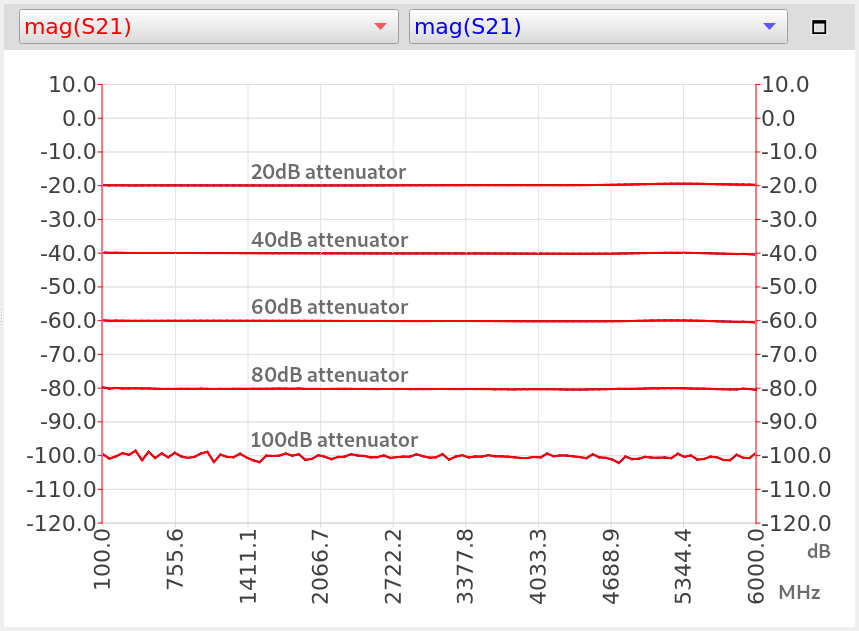
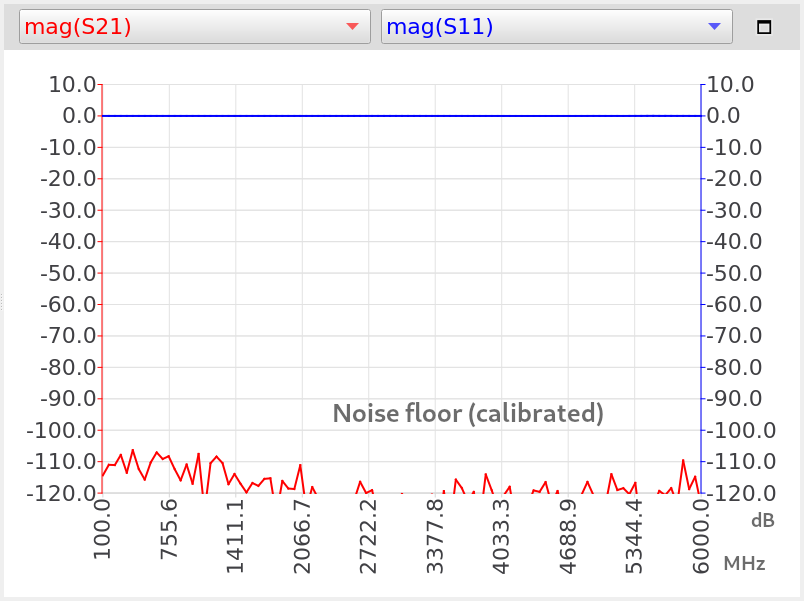
- High dynamic range
- VNA6000-B: 110dB @ 5.8GHz
- VNA6000-A: 95dB @ 5.8GHz
- See example measurements
- Realtime sweep - shows results as sweep progresses, more responsive than lower cost VNAs
- Adjustable IF bandwidth, allows measuring narrowband devices
- >4096 max sweep points (with VNA View software); more points (up to 65535) are possible depending on the performance of your PC.
- Custom calibration kit parameters (with VNA View software)
- S parameter export
- Automatic continuous data export (VNA View software)
- TDR (time domain reflectometry/distance to fault) with millimeter level resolution
- Can display smith chart, return loss, SWR, complex impedance, series equivalent (RC/RL), group delay, and more
- Port length extension/electrical delay
- Enhanced response calibration - improves S21 accuracy
- Supported by latest official firmware, with features:
- Marker delta and marker search allows easily measuring minimums and maximums
- Independently adjustable averaging and IF bandwidth
- Accepts flat-top 18650 lithium-ion battery (important: not button top or protected cells), includes on-board protection and charging (note: after inserting a battery, connect USB power at least once to activate the battery management IC.)
Package includes:
- VNA6000 main unit
- SOLT calibration kit SMA male - Short, Open, Load (x2), Thru
- SMA connector savers x2
- USB cable
- Touchscreen stylus
- 2 x 30cm SS405 phase stable cable
Comparisons
Documentation
- VNA6000 home page
- User manual
- Datasheet
Software
- VNA-QT software download
- Firmware releases
Support
Customer support: edelswartz123@gmail.com
VNA6000 users forum:
Example measurements
VNA6000-B
Warranty
- The VNA6000 comes with a 2 year warranty that covers defects in manufacturing. We will exchange any defective device for a new unit. Please note that user damage to the device, such as mechanical damage of the connectors or exceeding power or voltage input limits, are not covered by warranty. Because the VNA6000 is a specialized test instrument with high cost components and limited second hand value, we can not accept returns (only exchanges under the above warranty).
Battery
Accepts 18650 lithium-ion battery. Includes USB charging.
Operation without a battery is also supported.
You can insert a 18650 flat-top unprotected 3.6V/3.7V lithium-ion battery like the following.
Important: ensure you get the flat-top version, button top cells or cells with built in protection will not fit!
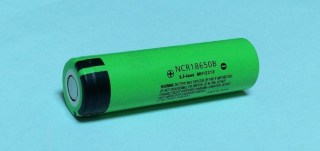
The VNA6000 includes on-board battery protection and charging circuitry and can charge the battery from USB. See here for how to insert the battery.
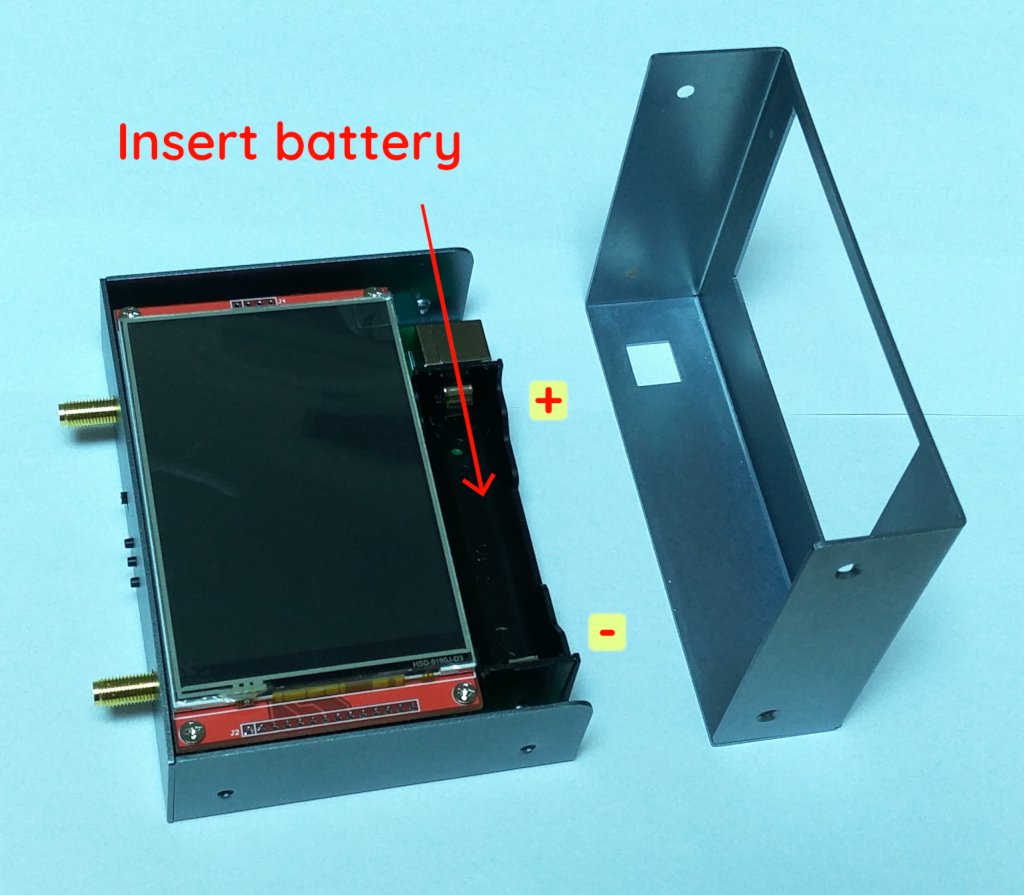
After inserting the battery, you need to plug in USB power at least once to activate the battery management IC.